The Problem: AirPlay Doesn't Reach Everyone's TV
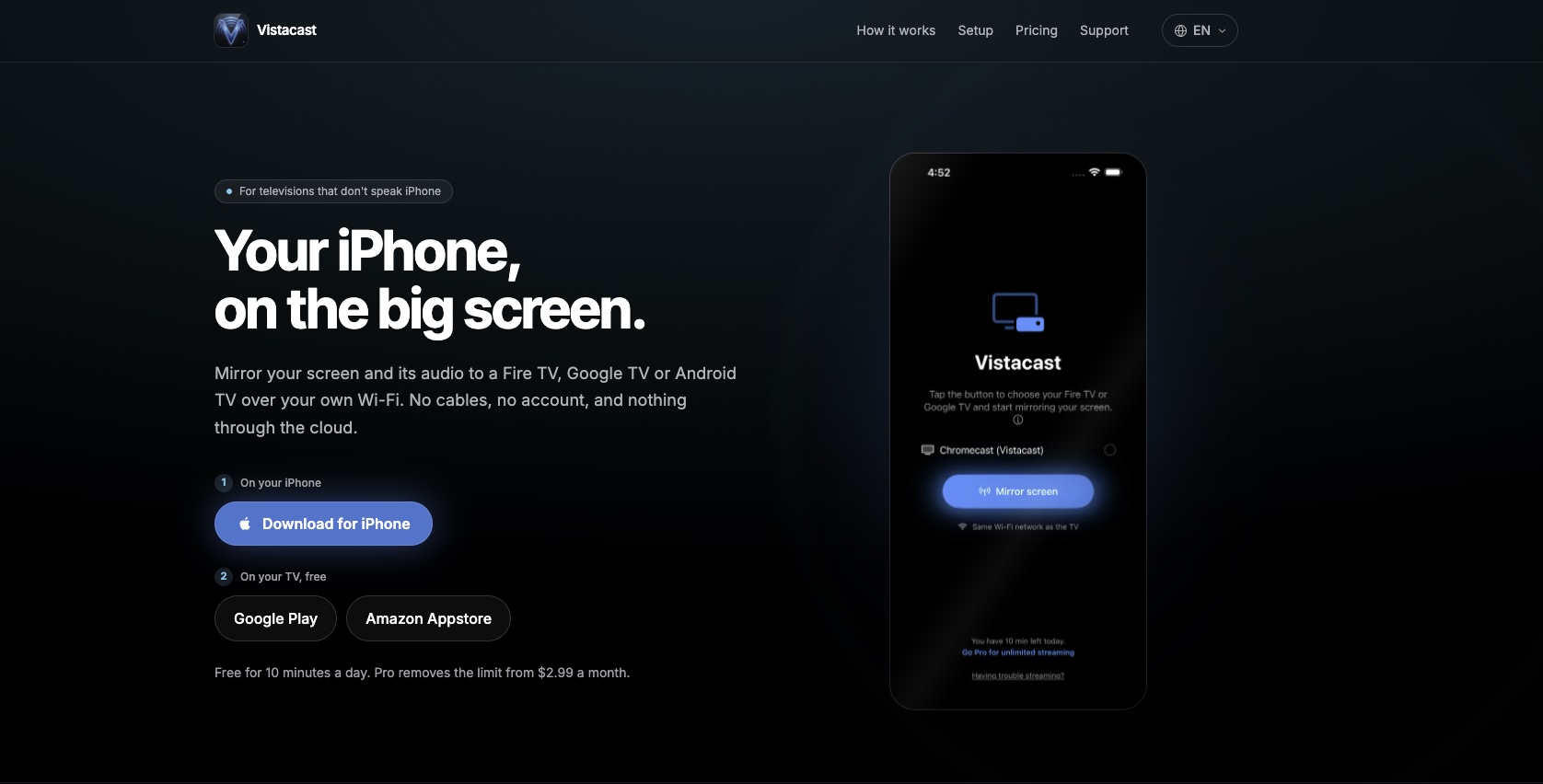
AirPlay is elegant — but it only works with Apple TV and a handful of compatible smart TVs. The two dominant streaming sticks in most homes, Fire TV Stick and Chromecast with Google TV, don't speak AirPlay. That's hundreds of millions of devices that iPhone users can't mirror to natively. Vistacast bridges that gap: a dedicated iOS sender app and an Android TV receiver app that communicate directly over the local Wi-Fi network — no cloud, no accounts, no subscription required to try.
Two Apps, One Protocol, No Backend
The architecture was shaped by one hard constraint: no cloud infrastructure, ever. Latency matters in a mirroring app — the moment a frame leaves the iPhone, it needs to appear on the TV without routing through a server. The solution was a custom framing protocol built on TCP over local Wi-Fi. The iOS sender captures the screen via ReplayKit, encodes to H.264 with hardware acceleration (VideoToolbox), and streams length-prefixed frames to the Android TV receiver, which decodes with MediaCodec and renders via SurfaceView.
- Adaptive bitrate (AIMD)
The encoder adjusts bitrate dynamically — halving on frame drops, stepping up 250 kbps every 2s when the network is clean. Range: 800 kbps to 4 Mbps. No Wi-Fi signal API on iOS, so it reacts to drop signals the pipeline already reports.
- Backpressure control
NWConnection.send doesn't apply backpressure on its own. Without explicit control, a slow receiver would queue frames indefinitely inside the broadcast extension's 50 MB memory limit — a direct path to a crash mid-session. One frame in flight at a time; the rest are dropped rather than queued.
- Discovery via Bonjour
The receiver advertises itself as _aircast._tcp on the local network. The iOS app uses NWBrowser to discover receivers and lists them by name. No IP addresses, no manual pairing — it works the way AirPlay does: devices appear automatically when both are on the same network.
Freemium That Doesn't Get in the Way
The free tier is 10 minutes of mirroring per day — enough to evaluate the app, not enough to replace Pro. The limit is cumulative (not per session), tracked in Keychain so it survives uninstall-reinstall, and enforced at two layers: the UI intercepts the cast button when the limit is exhausted, and the broadcast extension enforces it independently, since Control Center can trigger a cast without opening the app. When the limit hits, a paywall with specific context appears — not a generic upgrade pitch, but 'You've used your free time for today. Upgrade to cast without limits.'
- StoreKit 2 — three products
Lifetime ($24.99), annual ($14.99/yr), and monthly ($2.99/mo). The annual plan is badged "Best value" in the paywall — a deliberate visual anchor, since it's ~58% cheaper than paying monthly and that comparison isn't obvious without it.
- Localized plan names
StoreKit's product.displayName pulls from App Store Connect, which requires per-locale entries that are easy to leave incomplete. Instead, plan names and descriptions are defined in the app's own string catalog, keyed by product ID. Price still comes from product.displayPrice — that has to reflect real storefront currency and taxes.
UX Details That Matter
Building end-to-end means owning every interaction — including the ones that only show up in production.
- Screen lock warning
ReplayKit cuts the broadcast the moment the iPhone screen locks — it's a platform constraint with no override. The fourth onboarding page and the troubleshooting screen both explain this explicitly, before the user discovers it mid-session.
- DRM disclosure
The app can't mirror DRM-protected content (Netflix, streaming services). This is disclosed in the onboarding, on demand via an info button, and in the store listing — so it's never a surprise that generates a 1-star review.
- Receiver required — made explicit
The "No TVs found" message was rewritten from "Open the app on your TV" to "Install the free Vistacast receiver on your TV" — a subtle but critical difference for any user who doesn't already know the app has two parts.
Built and Published in 2 Months
Vistacast went from concept to App Store in two months — iOS app, Android TV receiver, custom streaming protocol, freemium paywall, three-language localization (Spanish, English, Portuguese), store listings, privacy policy, and App Review submission. The iOS app is live in the App Store as of September 2026. The Android TV receiver is in closed testing on Google Play. No co-founders. No external devs.
Impact
2mo
Concept to App Store
Two apps, a custom streaming protocol, freemium paywall — shipped solo, end-to-end.
0
Cloud infrastructure
Pure local network TCP — no server, no backend, no account required.
3
Languages at launch
Spanish, English, and Portuguese — app, paywall, store listing, and privacy policy.